No upfront payment
Canva is a great design tool, and you can build a birthday slideshow in it for free. The hard part is not the design: it is getting photos out of twenty people. At FromAll.gift each guest adds their own photos and a few words through one link, and the video is built for you. The video above is our real example.

Canva birthday slideshow or a group video?
Video gift for Mom’s 65th birthday
The practical part
Collecting photos, the comparison table, when each one wins and how we checked.
What are the key facts?
Canva gives you a free design tool and full control; FromAll.gift gives you one link where everyone adds their own photos. Canva facts come from its help page and its Capterra listing, read on October 30, 2026. We make FromAll.gift, so check Canva’s pages yourself.
- free planCanvayou design the slideshow yourself.
- log inCanva on a phoneto edit a shared design.
- $39 / $49FromAll.giftonce, after a free preview.
- no sign-upGuestseach adds their own photos.
What does a Canva birthday slideshow take?
Your time, mostly spent collecting photos rather than designing. You ask everyone for photos, wait for them in chats and emails, save them, upload them, pick a template, place each photo, type the words and export the video. If you enjoy design, that can be fun. If you have a week and twenty people, it is a lot of chasing.
- Step 1Chase the photosIn chats, emails and text messages, one person at a time.
- Step 2Save and uploadDownload each photo and add it to your design.
- Step 3Design and exportPick a template, place every photo, add text, export.
Can friends add their own photos to a Canva design?
Not easily, according to Canva’s own help page. Canva’s help says an edit link works without logging in on a computer browser, but on a phone people need to log in or sign up to edit. People who are not logged in cannot upload files. So in practice friends send their photos to you, and you do the uploading.
At FromAll.gift
- Guests open one link on their phone.
- They add one or two photos and a few words.
- No sign-up and no app.
- Every photo lands in one place, ready for the video.
In Canva
- People send photos to you in chats or emails.
- To edit on a phone, they log in or sign up.
- Without logging in, they cannot upload files.
- You place each photo in the design yourself.
Source: Canva Help, “Collaborate with anyone”, read on October 30, 2026.
How do a Canva slideshow and a group video compare?
Canva is free and flexible but you do the work; FromAll.gift costs $39 or $49 and the guests add the photos themselves. The table shows who adds the photos, the price and how much is left for you to do.
| Tool | Who adds the photos | Price | Your work | Good to know |
|---|---|---|---|---|
| Canva | You, from photos people send you | Free plan available; paid plans add more features | You collect, upload, design and export | Full control of the design; any text length |
| FromAll.gift | Each guest adds their own photos and a few words (up to 40 characters); no sign-up | $39 for up to 15 photos, $49 for up to 30. A 16:9 and a 9:16 version included | You add a few photos, send one link and press “Make the video” | One ready-made design; up to 30 photos; free changes until you pay |
Canva facts come from its help page and its Capterra listing, read on October 30, 2026. They can change; check Canva’s own pages before you start.
Two promises
- No selfie videosGuests add a photo and a few words. Nobody has to film themselves.
- No upfront paymentStart free and watch the preview first. You pay once, after you see the video.
Add a few photos, send one link, and watch the free preview before you pay.
Create a video giftFree to start. No upfront payment.
When is Canva the better choice?
Choose Canva when you already have the photos, enjoy designing, or need a free or very custom slideshow. Canva lets you change every font, color and layout, add long text and make any shape of video. FromAll.gift has one ready-made design, short lines of up to 40 characters and a limit of 30 photos.
You have the photos
Your own phone already holds the story.
You love design
You want your own fonts, colors and layout.
It must be free
Canva has a free plan.
Happy tears for everybody, memories forever.
When is FromAll.gift the better choice?
Choose FromAll.gift when the photos are spread across many people’s phones and you would rather not design anything. One link collects every photo and its few words in one place, and the video comes out in a designed style, with an optional round portrait of each sender. You get a 16:9 version for the TV and a 9:16 version for phones.
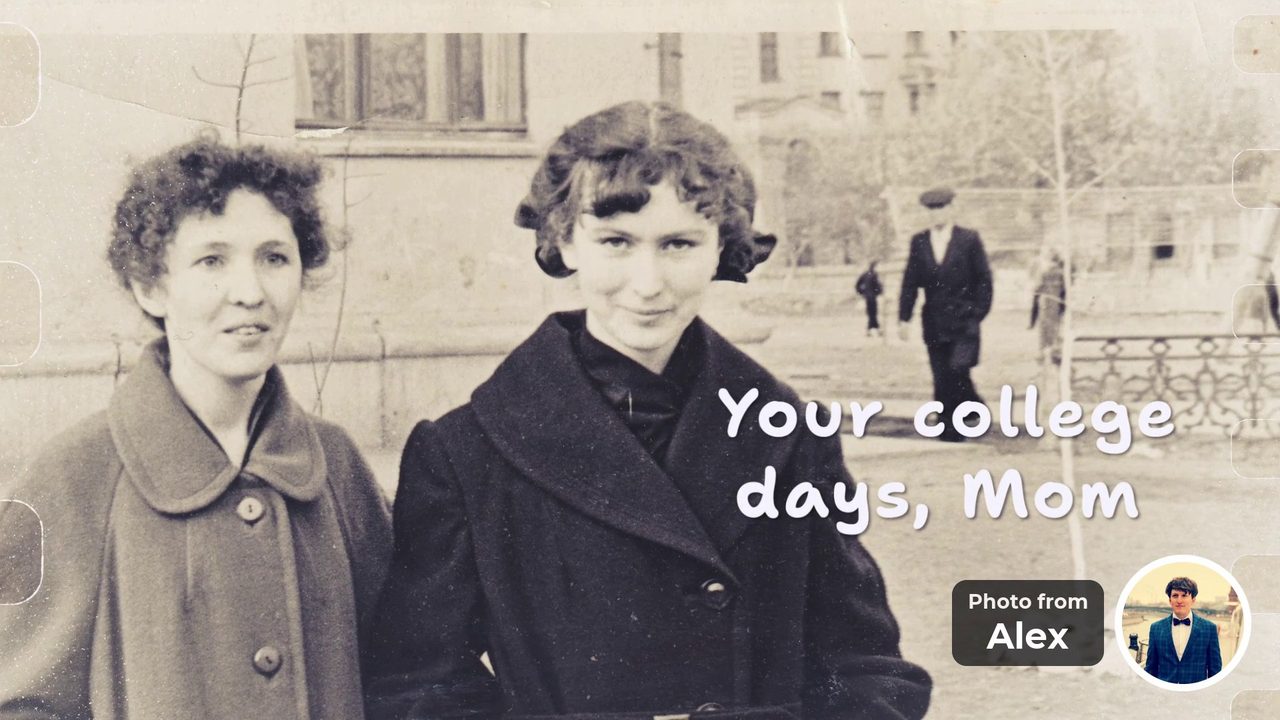
“Your college days, Mom” Photo from Alex 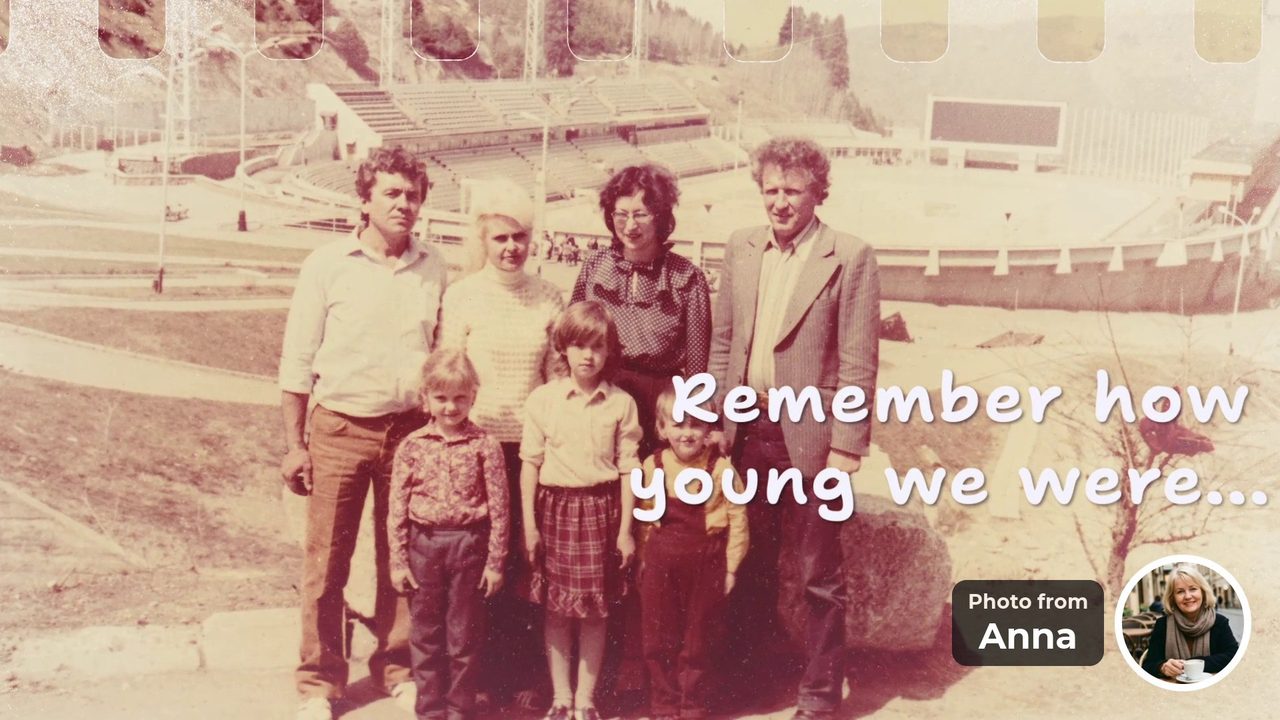
“Remember how young we were...” Photo from Anna 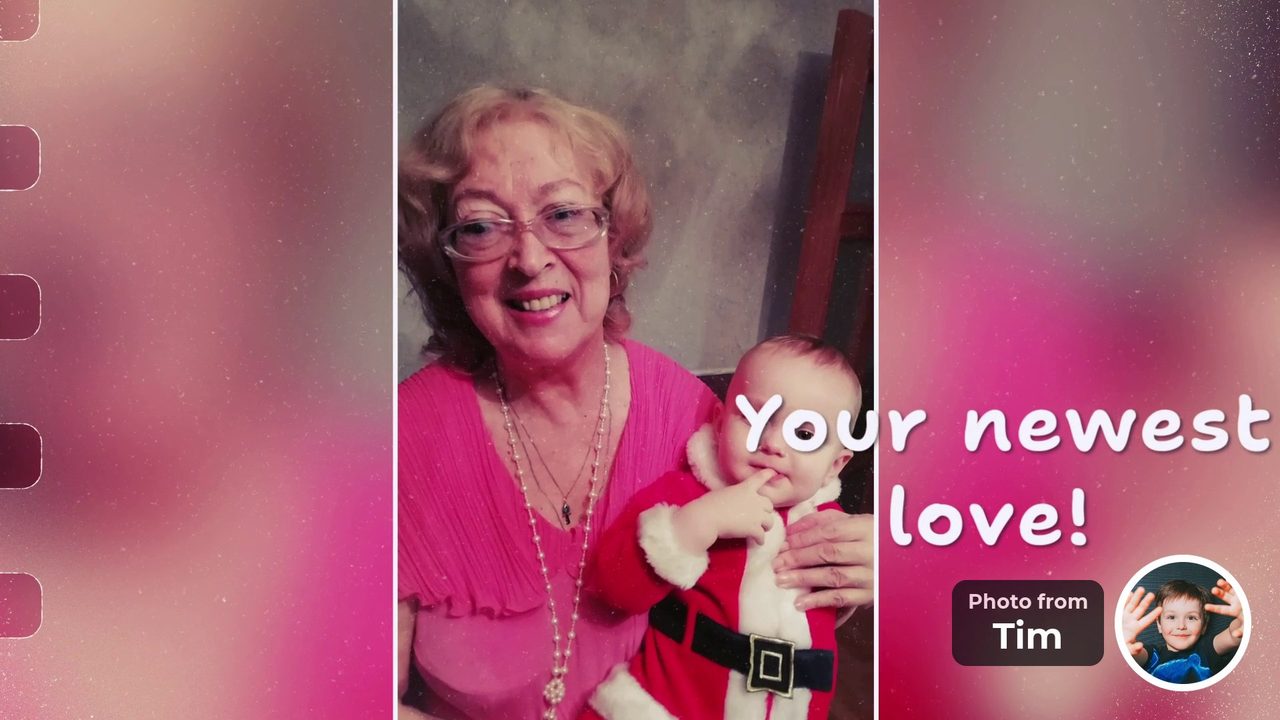
“Your newest love!” Photo from Tim


These frames come from our example, a surprise for a mother’s 65th birthday: 8 people in 3 countries sent 19 photos in two days. See How to collect photos from the whole family.
How did we check this comparison?
We read Canva’s help article on collaboration links and Canva’s Capterra listing on October 30, 2026. Canva’s main help site did not open for our checker, so we read the same English article on Canva’s help site for China. Check the help page for your own country. We make FromAll.gift, and we only list what Canva’s pages state.
Frequently asked questions
Can I make a birthday slideshow in Canva for free?
Canva has a free plan, according to its Capterra listing read on October 30, 2026. You build the slideshow yourself from a template: you collect the photos, place them, add the text and export the video.
Can friends add their own photos to a Canva slideshow?
Not easily. Canva’s help page says an edit link works without logging in on a computer browser, but on a phone people need to log in or sign up, and people who are not logged in cannot upload files. So friends usually send their photos to you.
What is the easiest way to collect photos for a birthday slideshow?
One link where each person adds their own photos. At FromAll.gift guests open the link on their phone, add one or two photos and a few words, with no sign-up and no app, and every photo lands in one place.
Is FromAll.gift a Canva alternative for slideshows?
Only for one job: a group video from many people’s photos. Canva is a full design tool for anything you want to make. FromAll.gift makes one kind of video, in one designed style, from photos that guests add themselves.
How much does a group birthday video cost at FromAll.gift?
Starting and the preview are free. After the preview you pay once: $39 for up to 15 photos or $49 for up to 30, with a 16:9 and a 9:16 version included.
Can I change the design of a FromAll.gift video?
No. The design is ready-made. You choose the photos, the words and their order, and you can change them freely until you pay. If you want full control of the design, Canva is the better tool.
Add a few photos, send one link, and watch the video before you pay. Guests do not need to sign up, and nobody films a selfie video.
Create a video giftFree to start. No upfront payment.
Sources and how we checked
- Canva Help: Collaborate with anyone (October 30, 2026)
- Canva pricing on Capterra (October 30, 2026)
Canva facts were read on the date shown and can change. The FromAll.gift details (photo counts, 40-character limit, price, edit rules) come from our own service.

Who wrote this. Jane A. writes the guides on FromAll.gift. We make one of the services mentioned here, so details about other services show the page and the date we checked.
FromAll.gift is the new version of FromFoto, which has been turning photos into videos for 8 years and has made 112,000 of them. Those videos were made for one customer at a time; FromAll.gift adds new visuals and one shared link, so a whole group can contribute to one video. About FromAll.gift