No upfront payment
Roses wilt in a week. Your story doesn’t. A Valentine’s video is made of your photos together, each with a few words, plus the photos only your friends have, and they become one professionally made video. The video above is our real example, made for a mother’s 65th birthday. It works just as well for love.

Perfect video gift for Valentine’s Day
Video gift for Mom’s 65th birthday
Everyone adds photos
What does a Valentine’s video made of photos look like?
Your story, one photo at a time, each with a few words. Picture February 14: the lights are low, the video starts, and there you are. The first trip, the terrible haircut, the wedding, the first apartment with no furniture. Each photo can carry a short line and a small round portrait of whoever sent it.
- For the one you love
- Your photos together
- Plus friends, if you like
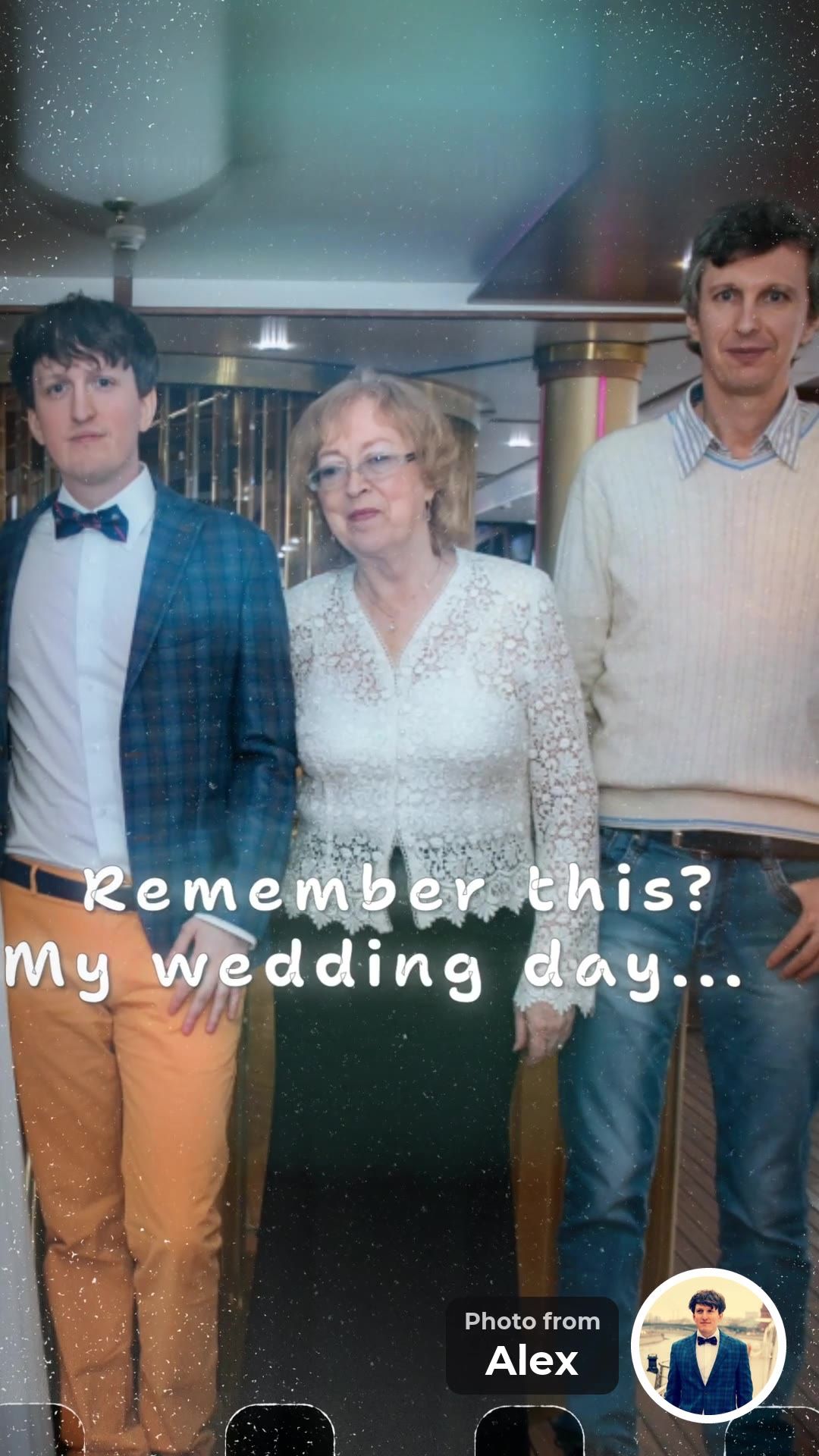
Remember this? My wedding day...
Alex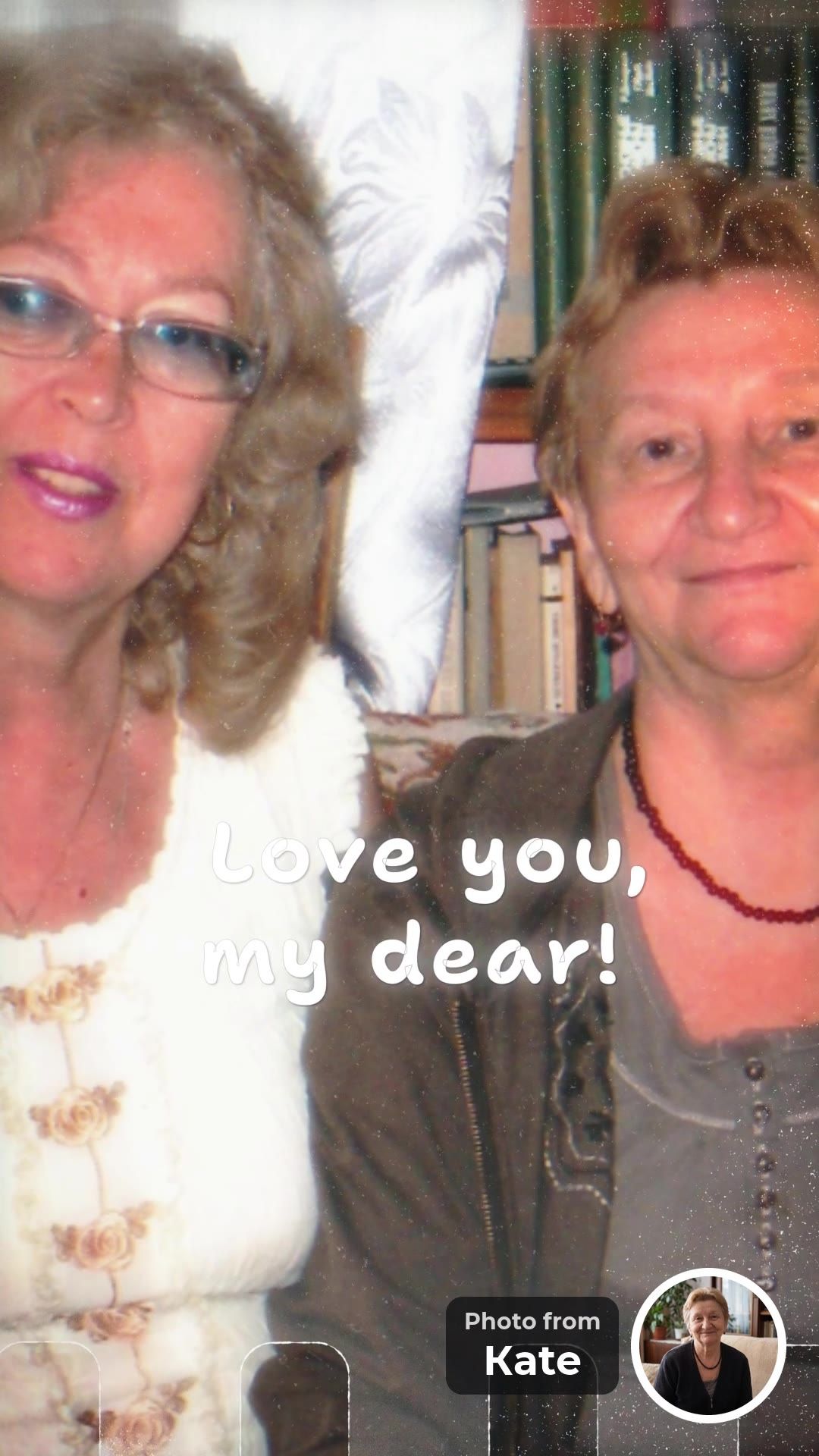
Love you, my dear!
Kate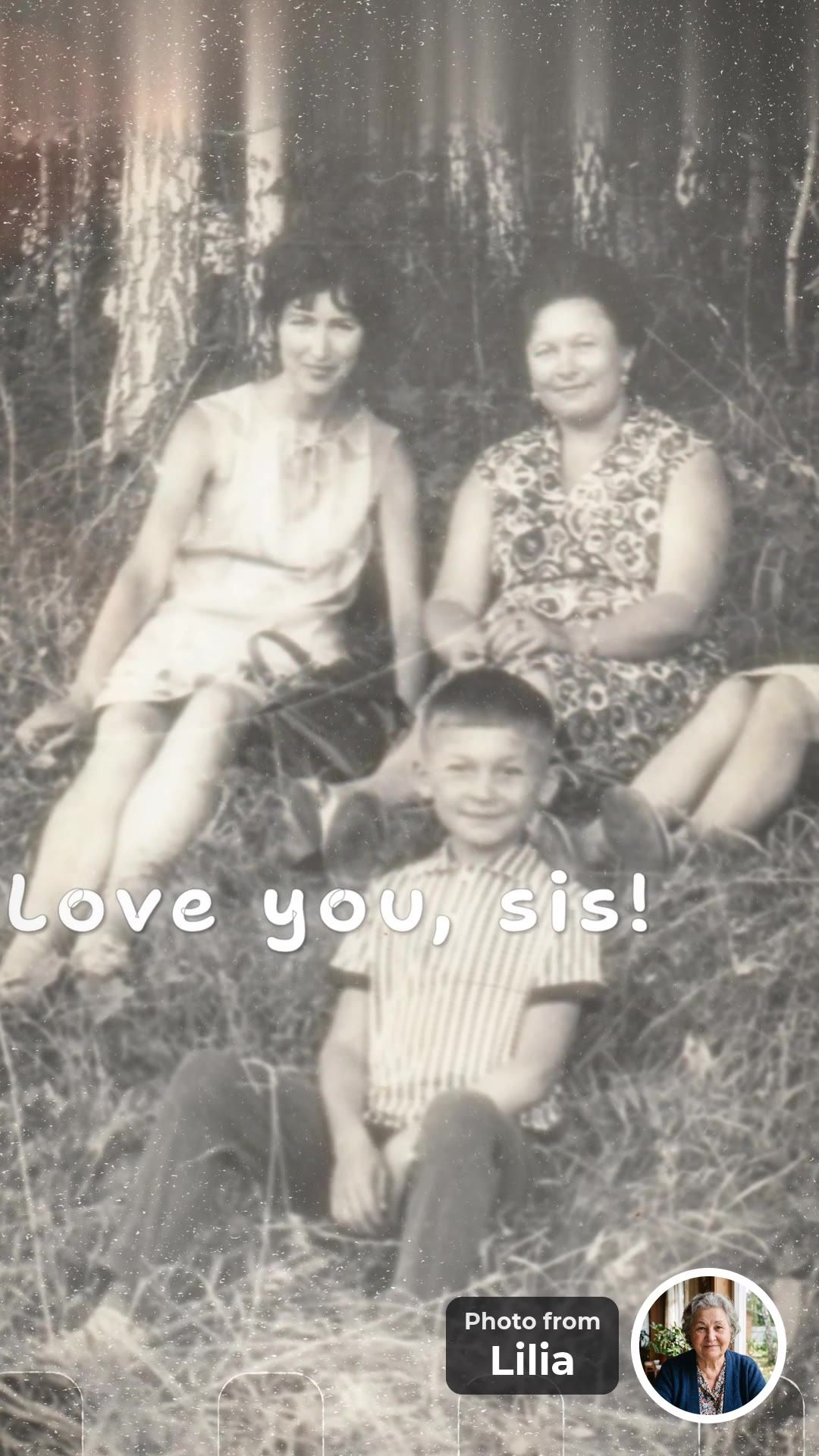
Love you, sis!
Lilia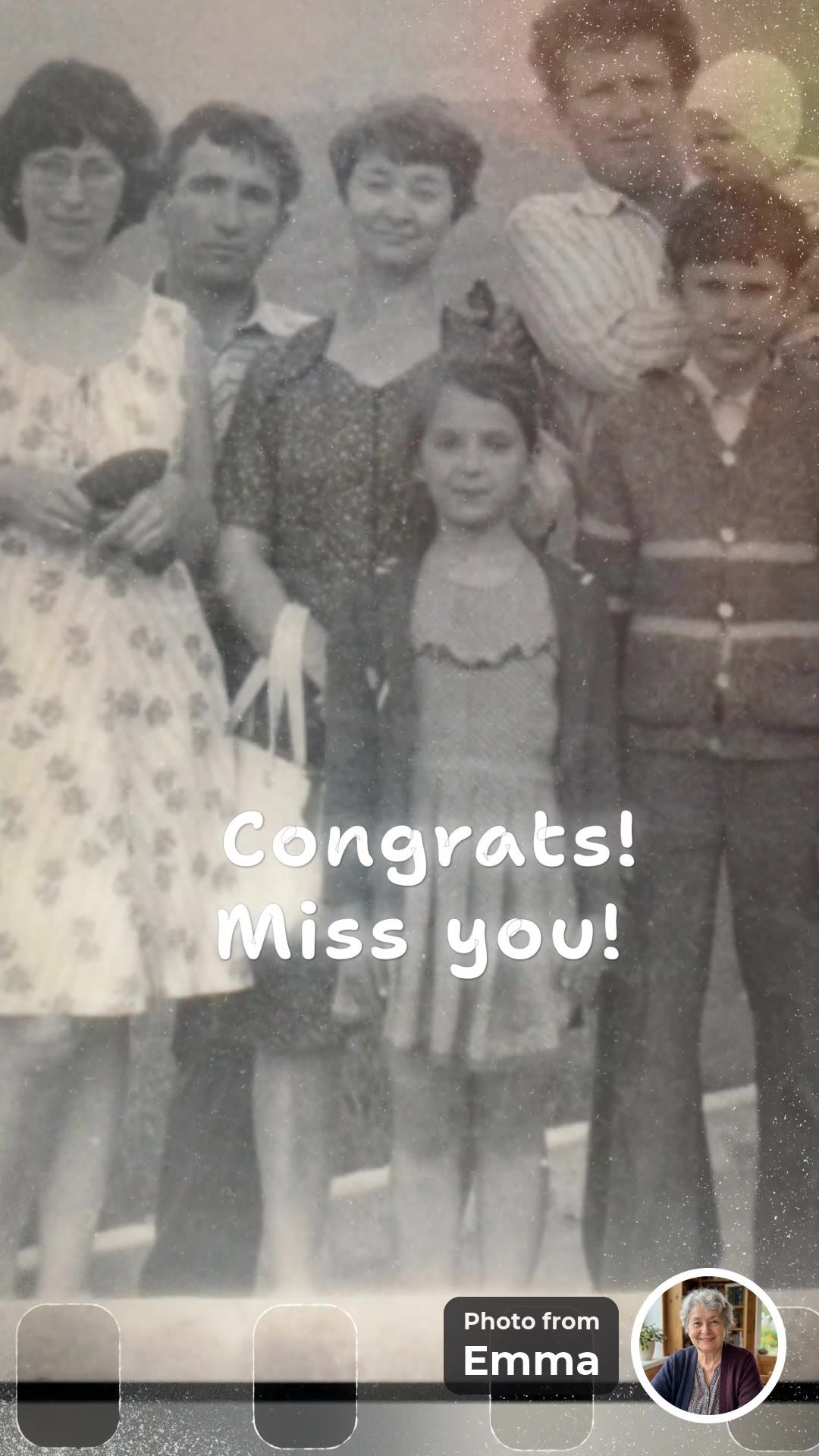
Congrats! Miss you!
Emma


These frames come from our example, a surprise for a mother’s 65th birthday: eight people from three countries sent 19 photos in two days. A Valentine’s video uses the same design, with your photos and your words.
Can you make a Valentine’s video on your own?
Yes. You can add every photo yourself. You need 10 to 30 photos of the two of you, each with a line of up to 40 characters. Pick them from your phone, add the words, press “Make the video”, and watch the free preview before you pay. Asking friends is optional.
Only you
Ten or more photos of the two of you, in your own words. Private and quick.
You and your friends
Friends add the photos you never had: the night you met, the wedding dance.
You and the family
Parents and siblings add photos from holidays, birthdays and home.
Happy tears for everybody, memories forever.
Why ask friends to add their photos too?
Because they took the photos you have never seen. The best photos of a couple are often on someone else’s phone: the first party, the moment after the proposal, the dance at the wedding. With one link, friends add them with a few words, and your partner sees your story through the eyes of the people around you.
- 1A photo from someone’s phone. Often one the two of you never saw.
- 2A round portrait. It shows who sent the photo. It is optional.
- 3A few words. Up to 40 characters. Sweet, funny or both.
Lines that fit the 40-character limit:
“Still my favorite person.”
“Remember our first trip?”
“Every year with you is better.”
“You said yes!”
“Best decision of my life.”
“Thanks for putting up with me.”
More lines are in What to write in a group video message.
Who else could get a Valentine’s video?
Anyone who could use a lot of love on February 14. Valentine’s Day can be hard for a parent on their own this year or for a grandmother who lives alone. A video from her children, grandchildren and friends says “we love you” from everybody at once. Friends make the same video for each other.
Your partner
Your photos together, plus a few from friends.
Mom or Dad on their own
Photos and words from the whole family.
Grandma or Grandpa
The grandchildren add a photo each. See the Grandma video.
Your best friend
The group chat adds the photos. See the best friend video.
Is there a version to send to their phone?
Yes. You get two videos from the same photos: 16:9 for a TV or laptop and 9:16 for a phone. Both are made at the same time and included in one price. If you are apart on February 14, send the phone version first thing in the morning.
- 16:9 for the TV. Watch it together on the sofa.
- 9:16 for a phone. It fills the screen. Send it when you are apart.
- One price for both. The same photos, words and music in each.
Two promises
- No selfie videosGuests add a photo and a few words. Nobody has to film themselves.
- No upfront paymentStart free and watch the preview first. You pay once, after you see the video.
Start a Valentine’s video. Add your photos, invite friends if you like, and watch the video before you pay.
Create a video giftFree to start. No upfront payment.
The practical part
What you get, the three steps, how to keep it secret, when to start and what it costs.
What are the key facts?
You get two videos from the same 10 to 30 photos: 16:9 for the TV and 9:16 for a phone. You can add every photo yourself or invite friends with one link. The video takes up to 10 hours to build, the preview is free, and you pay once after it: $39 or $49.
- You + friendsWho adds photosor only you. Both work.
- 16:9 + 9:16Two videosfor the TV and for a phone.
- 10–30Photoseach with up to 40 characters.
- $39 / $49Priceonce, after a free preview.
How do you make it? Three steps
Add your photos, invite friends if you like, press “Make the video”. The video can be built once there are 10 photos, and it takes up to 10 hours. Before you pay, watch the free preview and change anything: a photo, a line or the order.
- Step 1Add your photosStart with the best photos of the two of you.
- Step 2Invite friends (optional)Send the ready message to friends and family, not to your partner.
- Step 3Press “Make the video”It needs 10 photos in all. Watch the free preview, fix anything, pay once.
If you invite friends, the app writes the message for you, with the name you enter:
Hi! 🎁 I’m making a surprise video for Sarah from everyone’s photos, and I’d love you to be in it. Could you add photos with Sarah (and a short line for each), ideally today? Just photos: no selfie video, no sign-up, about a minute. Know anyone else who should be in it? Pass the link on. Shh, it’s a secret!
How do you keep it a secret?
Send the link only to the people you invite, in a chat your partner is not in. Anyone who has the link can see the photos in the group, so do not post it where your partner might see it. When the video is ready, you choose the moment: play it on the TV or send the phone version.
How early should you start?
About a week before February 14 if friends are adding photos. Friends need a day or two to find their photos. If you add every photo yourself, two days before is enough. The video takes up to 10 hours to build after you press “Make the video”, and if it is not ready within 20 hours, you can cancel the order.
How much does it cost?
$39 for up to 15 photos or $49 for up to 30, paid once. Starting and watching the preview are free, with no upfront payment. Both versions and the music are included. For a parent or grandparent, anyone who has the gift link can pay, so the family can share the cost.
Frequently asked questions
What is a good Valentine’s Day gift that isn’t flowers or chocolate?
A video made of your photos together. Each photo gets a few words, friends can add the photos only they have, and the photos become one professionally made video your partner can watch again every February.
Can I make a Valentine’s video on my own?
Yes. You can add all the photos yourself: 10 to 30 photos of the two of you, each with a line of up to 40 characters. Inviting friends is optional.
How do I keep it a secret from my partner?
Send the link only to the friends and family you invite, in a chat your partner is not part of. Anyone who has the link can see the photos in the group.
Is a Valentine’s video only for couples?
No. The same video works for Mom or Dad on their own this year, for Grandma, or for a best friend. Only the photos and the words change.
Do friends have to record a video message?
No. Everyone adds photos and a few typed words, never video clips. The small round portrait of each sender is optional.
When should I start a Valentine’s Day video?
About a week before February 14 if friends are adding photos, or two days before if you add them all yourself. The video takes up to 10 hours to build after you press “Make the video”.
How much does a Valentine’s video cost?
Starting and watching the preview are free. After the preview you pay once: $39 for up to 15 photos or $49 for up to 30, with the TV and phone versions included.
Add your photos, invite friends if you like, and watch the video before you pay. Nobody records a selfie video.
Create a video giftFree to start. No upfront payment.
Sources and how we checked
The FromAll.gift details (photo counts, the 40-character limit, the optional portrait, who can see the photos, price, timing) come from our own service. The example video was made by a family for a mother’s birthday and is shown with their permission.

Who wrote this. Jane A. writes the guides on FromAll.gift. We make one of the services mentioned here, so details about other services show the page and the date we checked.
FromAll.gift is the new version of FromFoto, which has been turning photos into videos for 8 years and has made 112,000 of them. Those videos were made for one customer at a time; FromAll.gift adds new visuals and one shared link, so a whole group can contribute to one video. About FromAll.gift