No upfront payment
Parents who have everything usually want one thing: their family, together. At FromAll.gift their children, grandchildren and old friends each add a photo and a few words, and the photos become one professionally made video. The video above is our real example, made for a mother’s 65th birthday.

Perfect video gift for Parents
Video gift for Mom’s 65th birthday
Everyone adds photos
What do parents who have everything actually want?
Time with their family and proof that they are remembered. Most parents can buy whatever they need, so one more object rarely lands. A video of photos from their own children, grandchildren and old friends gives them both things at once, and it never ends up in a cupboard.
A video from all of you
- Every child and grandchild in one place
- Memories only your family has
- Watched again at every holiday
- Nothing to store or dust
One more thing from a shop
- They probably have it already
- Chosen by one person
- Used once, then forgotten
- Hard to make personal
What does a video from all their family look like?
Our example is a surprise for a mother’s 65th birthday, made by 8 people from 3 countries who sent 19 photos in two days. Every frame shows the full photo, a few words and a small round portrait, so the parents know who remembered each moment.
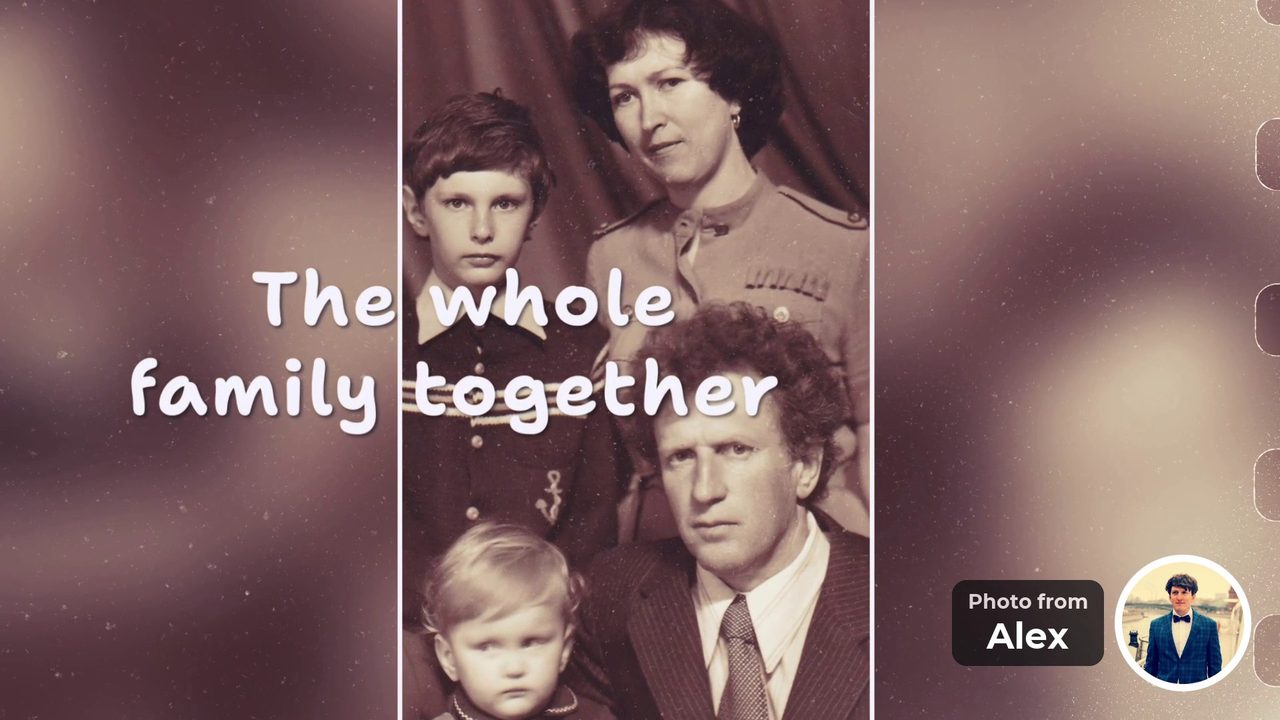
“The whole family together” Photo from Alex 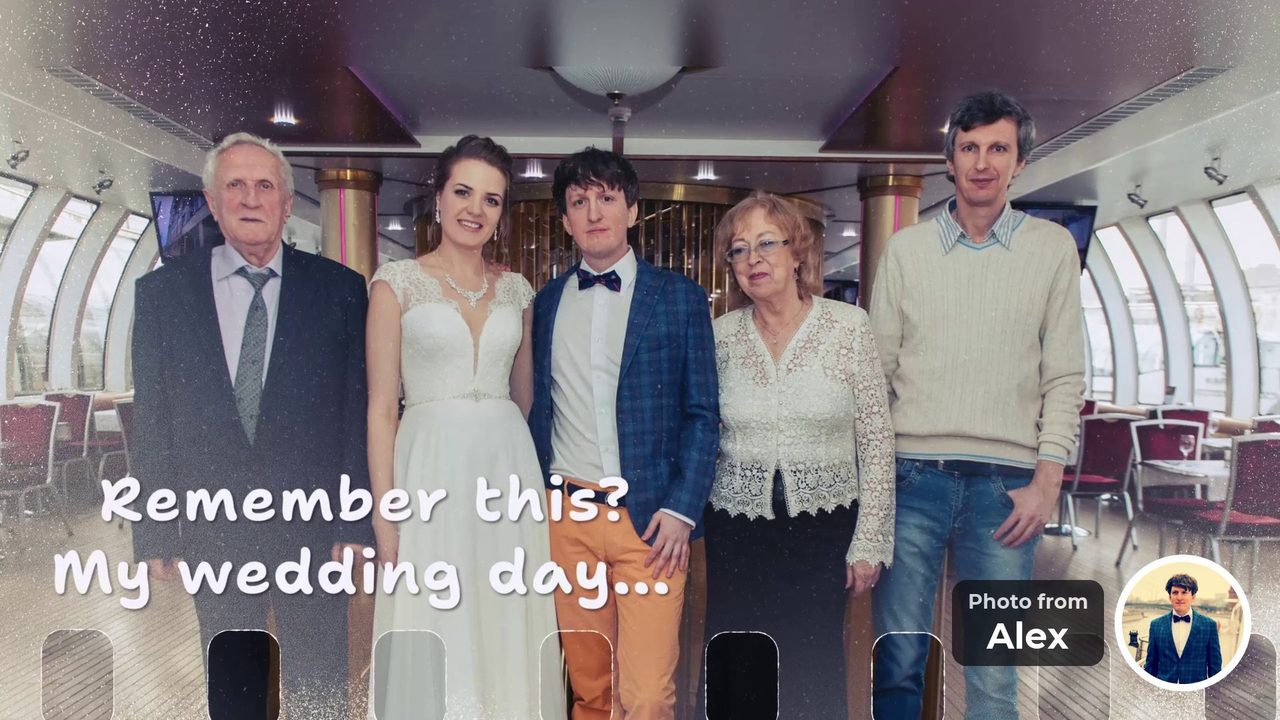
“Remember this? My wedding day...” Photo from Alex 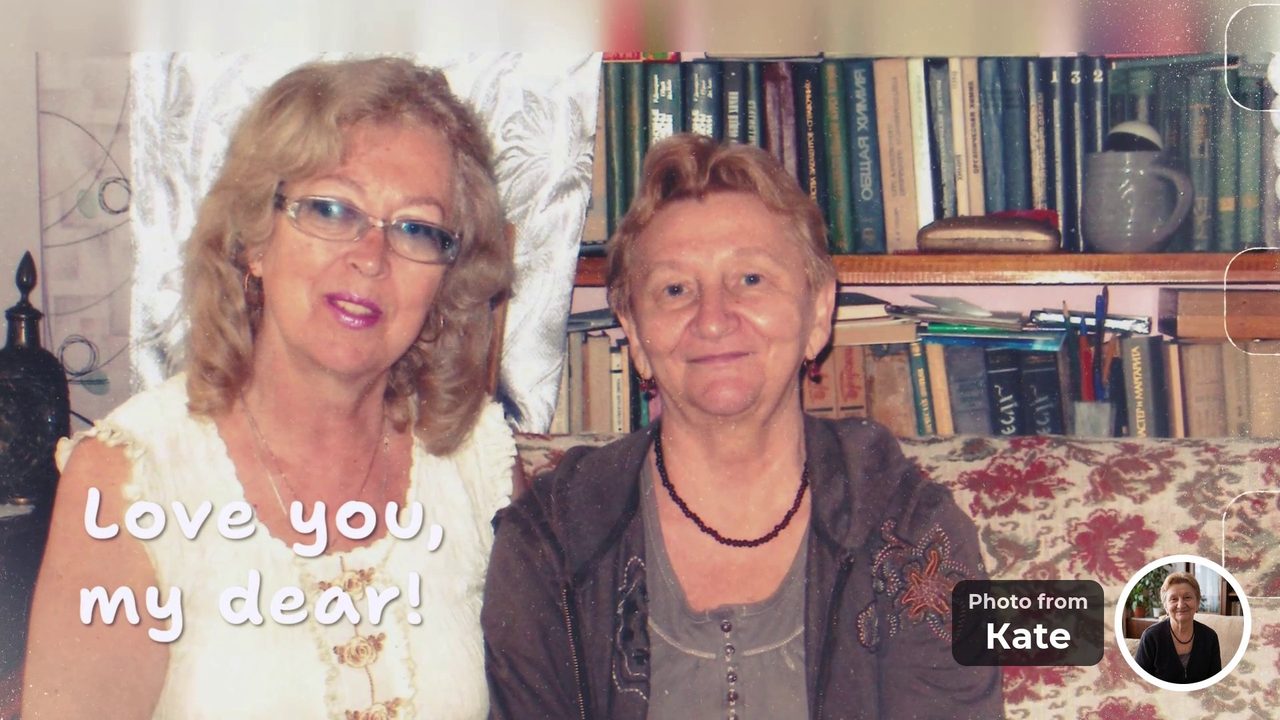
“Love you, my dear!” Photo from Kate 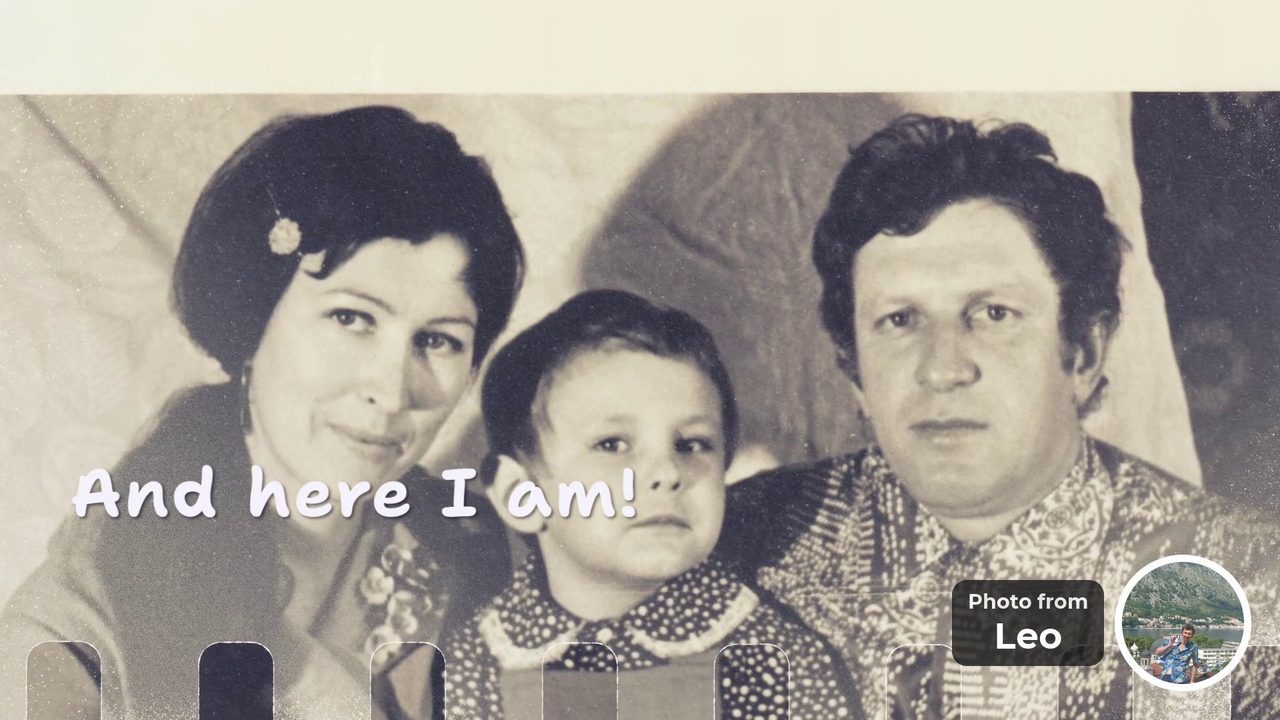
“And here I am!” Photo from Leo 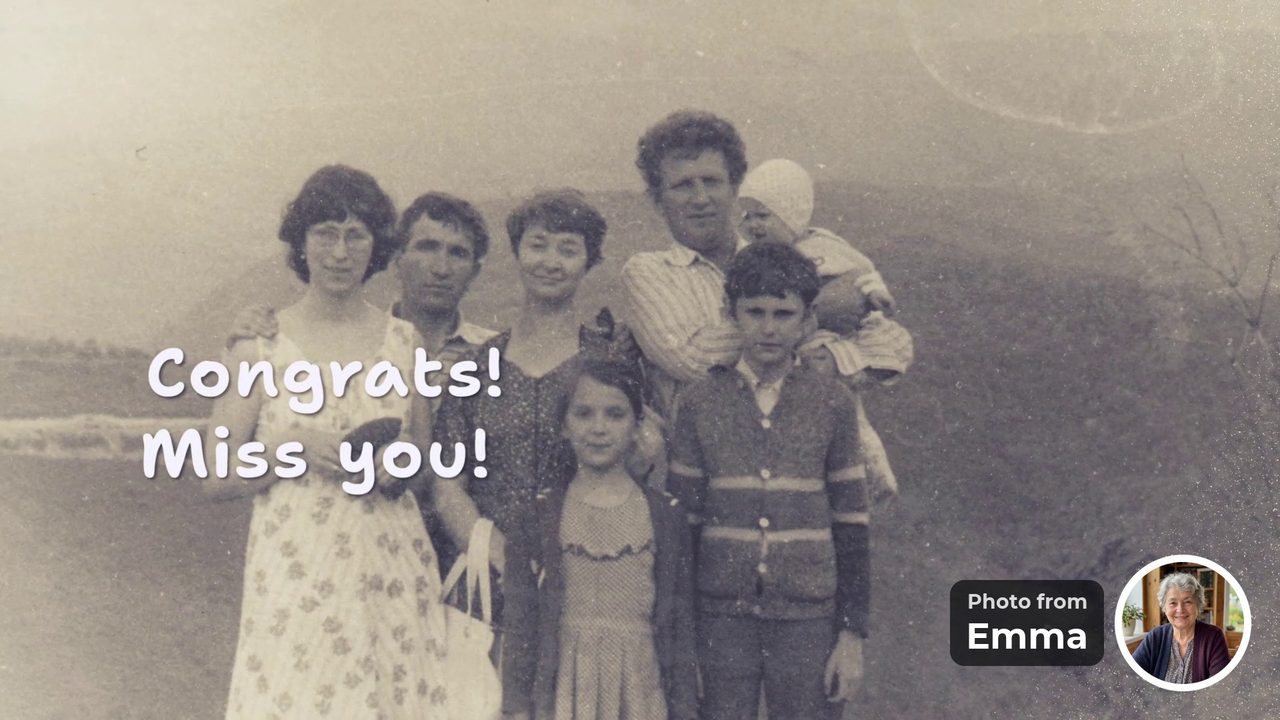
“Congrats! Miss you!” Photo from Emma “We love you so much! Congratulations!”The last message closes the video.


- 8 people
- 3 countries
- 19 photos
- 2 days to collect
According to the organizer’s family, Mom watched it on the TV at home, kept stopping to recall where each photo was taken, and almost cried. See every message from the video.
Happy tears for everybody, memories forever.
Can one video be for both parents?
Yes. Address it to Mom and Dad together and ask each guest for a photo with one or both of them. Their wedding, the first car, the house where you grew up: one video, one price and one evening in front of the TV.
“Thank you for everything, Mom and Dad.”
“Best parents in the world!”
“You taught us what home means.”
“Remember this old car?”
“Love you both!”
“Our first holiday together.”
Every line fits the 40-character limit. More ideas are in What to write in a group video message.
When is the right moment for this gift?
Any day the family wants to say thank you. Christmas, a wedding anniversary, a birthday, a retirement or a move to a new home all work. The design has no holiday graphics, so the same kind of video fits every occasion; only the photos and the words change.
Christmas
The whole family on their TV. For a video from the grandkids, see the grandparents’ Christmas video.
Their anniversary
Their life together in photos. See the anniversary video.
A birthday
For one of them: Mom’s birthday or Dad’s birthday.
Is there a version for phones, so they can show it to friends?
Yes. You get two videos from the same photos: 16:9 for their TV and 9:16 for phones. Both are made at the same time and included in one price. Parents love to show a gift like this to their friends, and the phone version makes that easy.
- 16:9 for the TV. For the family evening, on a wide screen.
- 9:16 for phones. It fills a phone screen, so they can show it anywhere.
- One price for both. The same photos, messages and music in both videos.

How do siblings organize it and split the cost?
One sibling starts the video and posts the link in the siblings’ chat. Each sibling adds their own photos and passes the link to their families and to the parents’ old friends. The video is paid once, and anyone who has the gift link can pay, so five siblings splitting $49 pay under $10 each.
- One sibling starts. Add a few photos and tap “Invite everyone”.
- Everyone brings their people. Each sibling invites their partner, kids and the friends of the parents they know.
- One person pays. After the free preview, anyone with the link pays once. Settle the shares among yourselves.
Two promises
- No selfie videosGuests add a photo and a few words. Nobody has to film themselves.
- No upfront paymentStart free and watch the preview first. You pay once, after you see the video.
Start your parents’ video. Add a few photos, post one link for the family and watch the video before you pay.
Create a video giftFree to start. No upfront payment.
The practical part
What you get, the three steps and the price.
What are the key facts?
One video for one or both parents, made of photos from the whole family. The video holds 10 to 30 photos from the whole family and is built in up to 10 hours, in a 16:9 version for their TV and a 9:16 version for phones. The preview is free.
- one or bothForMom, Dad, or both in one video.
- everyoneFromchildren, grandchildren, old friends.
- 16:9 + 9:16Two videosfor their TV and for phones.
- $39 / $49Priceonce, and anyone with the link can pay.
How do you make it? Three steps for the organizer
Add a few photos, send one link, press “Make the video”. Once the family has added 10 photos or more, the video can be built, which takes up to 10 hours. Until you pay, photos, texts and their order can still change.
- Step 1Add a few photosStart with your own photos of your parents.
- Step 2Send one linkPost the ready message in a family chat your parents are not in.
- Step 3Press “Make the video”It needs 10 photos in all. Watch the free preview, fix anything, pay once.
The app writes the invitation for you, with the name you enter:
Hi! 🎁 I’m making a surprise video for Mom and Dad from everyone’s photos, and I’d love you to be in it. Could you add photos with Mom and Dad (and a short line for each), ideally today? Just photos: no selfie video, no sign-up, about a minute. Know anyone else who should be in it? Pass the link on. Shh, it’s a secret!
How much does it cost?
$39 for a video of up to 15 photos, $49 for up to 30, paid once. Starting, inviting the family and watching the preview are free. Both versions and the music are included. There is no subscription, and anyone who has the gift link can pay.
Frequently asked questions
What do you give parents who have everything?
Something they cannot buy: their family, together. A video made of photos from their children, grandchildren and old friends, each with a few words, is a gift that is not an object and can be watched again every holiday.
Can one video be for both Mom and Dad?
Yes. Address it to both of them and ask each guest for a photo with one or both parents. It is one video and one price.
Who should be in the video?
Everyone who has a photo with them: their children and grandchildren, their brothers and sisters, old friends, neighbors and former colleagues. Each person adds a photo and a few words.
How do siblings split the cost?
The video is paid once, by the organizer or by anyone who has the gift link. Five siblings splitting $49 pay under $10 each, settled among themselves.
Do relatives need an app or an account?
No. Relatives open the link, choose photos and type a few words. There is no sign-up, no app and no selfie video.
How long does it take?
The video is built in up to 10 hours after you press “Make the video”. Give relatives a few days to add photos. You watch a free preview and pay once, after it.
How do we show it at a family dinner?
Download the 16:9 version and play it on the TV from a laptop or a USB stick. Once the video is paid for, anyone with the link can download it in HD, without the watermark, in both versions.
Add a few photos, send one link and watch the video before you pay. Relatives do not sign up, and nobody records a selfie video.
Create a video giftFree to start. No upfront payment.
Sources and how we checked
The FromAll.gift details (photo counts, the 40-character limit, payment by anyone with the link, downloads, price, timing) come from our own service. The example video was made by a family for a mother’s birthday and is shown with their permission. What happened when Mom watched it is the account of the organizer’s family.

Who wrote this. Jane A. writes the guides on FromAll.gift. We make one of the services mentioned here, so details about other services show the page and the date we checked.
FromAll.gift is the new version of FromFoto, which has been turning photos into videos for 8 years and has made 112,000 of them. Those videos were made for one customer at a time; FromAll.gift adds new visuals and one shared link, so a whole group can contribute to one video. About FromAll.gift