No upfront payment
Fifteen chats, blurry screenshots and three people who never reply? Use one link instead. At FromAll.gift every relative adds their own photos and a few words in one place, and the photos become one professionally made video. The video above was collected exactly this way.

How to collect photos from the whole family
Video gift for Mom’s 65th birthday
Everyone adds photos
Why is collecting photos from relatives so hard?
Because the photos end up everywhere. Some arrive in the family chat, some by email, some as blurry screenshots, and the best ones stay in a drawer. You spend evenings saving files, asking for originals and reminding the same people, and the gift itself has not even started.
- Photos scattered across chats
- Screenshots instead of originals
- The same reminder, again
The fix is not more reminders. It is one place where people add their own photos, so nothing has to be forwarded, saved or renamed.
What is the easiest way to collect photos from many people?
One shared link where everyone uploads their own photos. At FromAll.gift each relative opens the link, adds one or two photos with the person and a few words, and every photo lands in one editor. Each tile shows who added it, so you never have to ask “who sent this one?”.

Relatives upload JPG or PNG photos from a phone or a computer. Every photo is fitted to both videos, 9:16 for phones and 16:9 for the TV, and the app opens a quick crop when a photo needs it.
More people, bigger wow
How does one link reach the whole family?
You send it once, and the guests pass it on. After adding a photo, each guest is asked who else should be in the video. That is how cousins, old friends and former neighbors join, even if you never had their number. You only start the chain.

The app writes the invitation. Tap “Invite everyone”, check the message and post it in one family chat.
Guests bring the next guests. After adding a photo, each guest is asked who else should be in the video and can pass the link on.
You see who has joined. The editor shows the portraits of everyone who joined and reminds you to invite one more.

How do you get people to send photos on time?
Make the request small, give a date and remind once. Ask for one or two photos and a few words, not “all your photos”. Post the link where the family already talks, say when you will press “Make the video”, and send one friendly reminder the day before.
- Day 1Post the link in the family chat with a date: “Photos by Sunday, please.”
- Day 2Thank the first people in the chat. Others see that it takes a minute.
- The day beforeOne reminder, only to the people who have not added a photo.
- The datePress “Make the video”. It is built in up to 10 hours.
- Next dayWatch the free preview, fix anything, pay if you like it.
What should the request say?
Short and specific. The app writes it for you, with the name you enter:
Hi! 🎁 I’m making a surprise video for Mom from everyone’s photos, and I’d love you to be in it. Could you add photos with Mom (and a short line for each), ideally today? Just photos: no selfie video, no sign-up, about a minute. Know anyone else who should be in it? Pass the link on. Shh, it’s a secret!
What if someone never sends anything?
The video is built from the photos that were added, as long as there are at least 10. You decide when to press “Make the video”, so you can wait a day for a slow relative or go ahead without them.
How do you add old printed photos?
Take a photo of the print with a phone. Put it by a window in daylight, hold the phone straight above it and avoid glare from a lamp or a flash. That is enough for a video frame, and albums from before phones often hold the photos people talk about most.
Daylight, no flash
Put the print near a window. A flash leaves a white spot on glossy paper.
Straight from above
Hold the phone parallel to the print, so the corners stay square.
Crop in the app
Every photo is fitted to both videos, and the app opens a quick crop when needed.
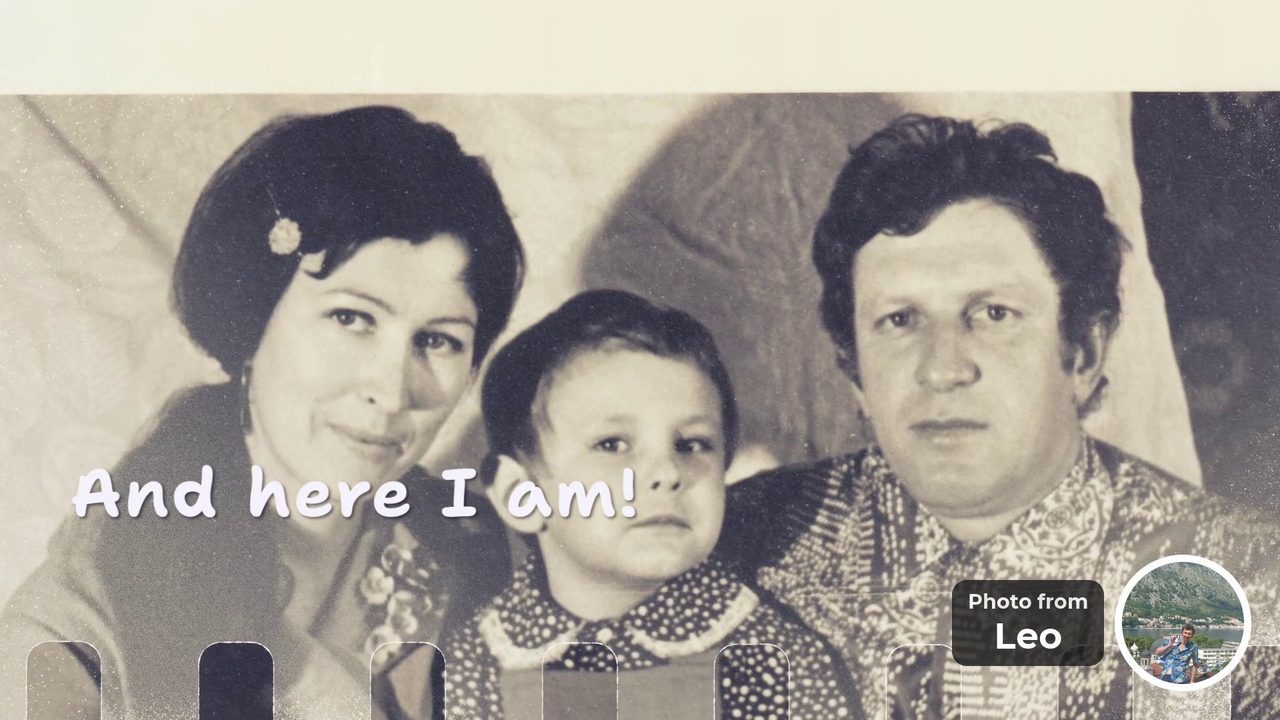
“And here I am!” Photo from Leo 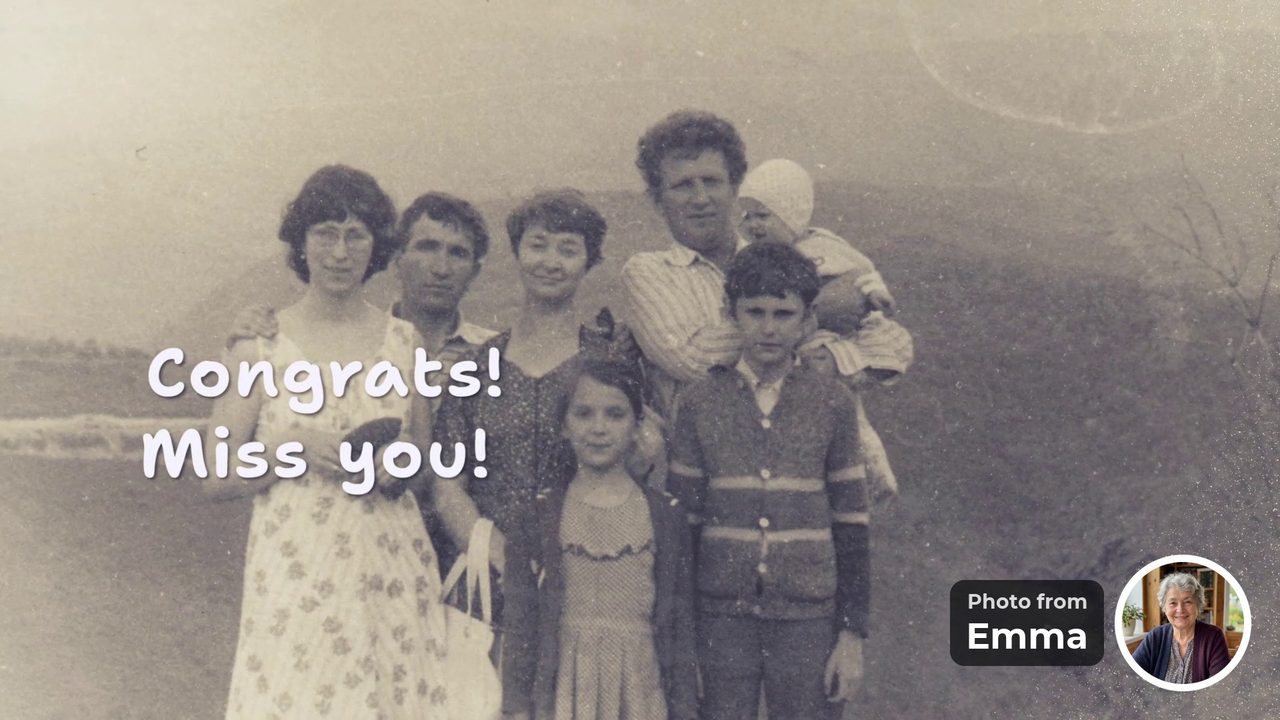
“Congrats! Miss you!” Photo from Emma 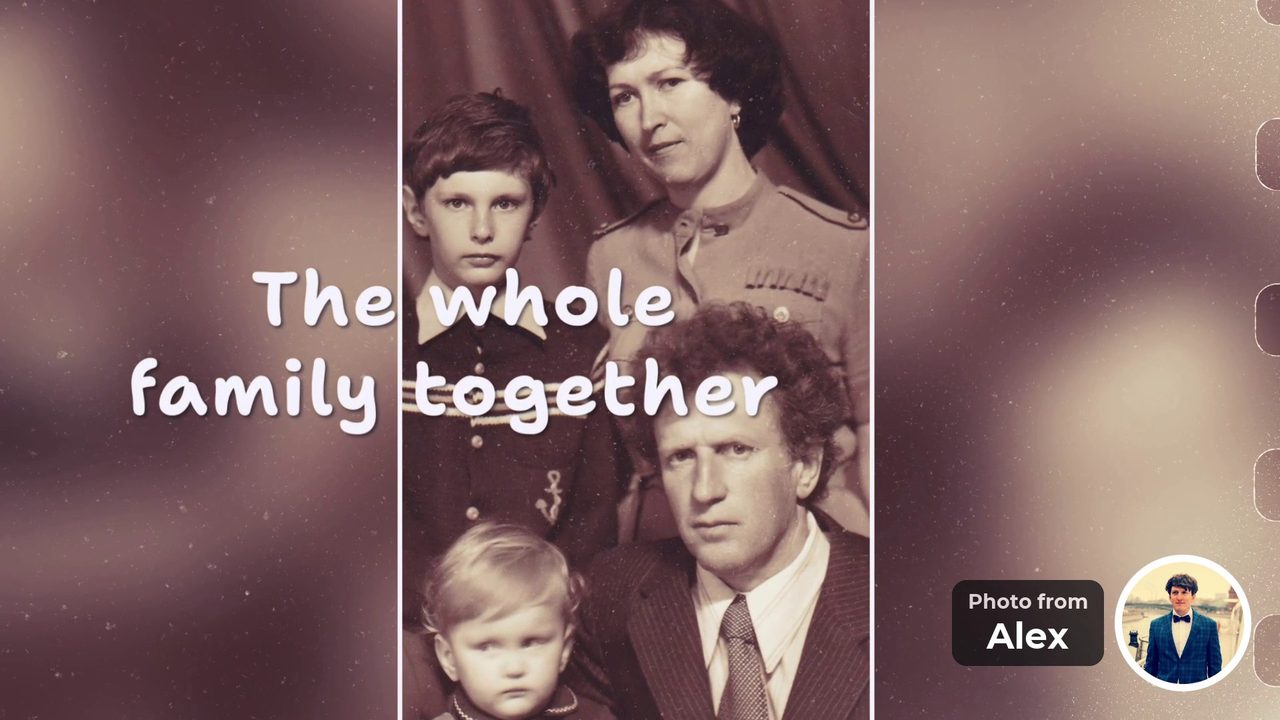
“The whole family together” Photo from Alex


These frames come from our example, a surprise for a mother’s 65th birthday. They are old family photos, and they are the frames the family stopped on.
Two promises
- No selfie videosGuests add a photo and a few words. Nobody has to film themselves.
- No upfront paymentStart free and watch the preview first. You pay once, after you see the video.
Collect the photos in one place. Add a few of your own, post one link and watch the video before you pay.
Create a video giftFree to start. No upfront payment.
The practical part
What you get, the three steps and common questions.
What are the key facts?
One link collects every photo in one editor, with the name of the person who sent it. Relatives need no account and no app. A video takes 10 to 30 photos, is built in up to 10 hours and costs $39 for up to 15 photos or $49 for up to 30, paid once after a free preview.
- oneLinkfor everyone. No sign-up, no app.
- JPG or PNGFilesfrom a phone or a computer.
- on every tileWho sent itand in the video as a round portrait.
- 2 daysOur exampleto collect 19 photos from 8 people.
What does the organizer do? Three steps
Add a few photos, send one link, press “Make the video”. Everything between those steps is done by your relatives. When you have at least 10 photos, the video is built in up to 10 hours, and you can change photos, texts and their order before you pay.
- Step 1Add a few photosStart with your own photos, so the link never opens empty.
- Step 2Send one linkTap “Invite everyone” and post the ready message in one chat.
- Step 3Press “Make the video”It needs 10 photos in all. Watch the free preview, fix anything, pay once.
Frequently asked questions
What is the easiest way to collect photos from family for a video?
Use one shared link. At FromAll.gift each relative opens the link, adds one or two photos with the person and a few words, and every photo lands in one editor. The photos then become one professionally made video.
Do relatives need an app or an account to send photos?
No. Relatives open the link in a browser, choose photos and type a few words. There is no sign-up and no app to install.
Which photo files can relatives upload?
JPG or PNG, from a phone or a computer. Every photo is fitted to both videos, 9:16 for phones and 16:9 for the TV, and the app opens a quick crop when a photo needs it.
How many photos can each person add?
Each relative can add several photos. The whole video holds 10 to 30 photos: the plan for up to 15 photos costs $39 and the plan for up to 30 photos costs $49.
Can I see who sent each photo?
Yes. In the editor each photo tile shows who added it, and in the finished video a small round portrait with a “Photo from …” label shows the sender.
How long should I give people to send photos?
Two to four days usually works. In our example, 8 people from 3 countries sent 19 photos in two days. Set a date, remind once, and press “Make the video” when you are ready.
Can I change a photo someone sent?
Yes, until you pay. Tap “Edit photos” to change photos, texts or their order, then make the video again. After payment, edits are closed.
Who can see the photos?
Anyone who has the link can see the group’s photos, so share it only in private chats. Photos are kept for up to 15 days after the video is ready, then deleted.
Add a few photos, send one link and watch the video before you pay. Relatives do not sign up, and nobody records a selfie video.
Create a video giftFree to start. No upfront payment.
Sources and how we checked
The FromAll.gift details (file types, cropping, the invitation text, storage time, price, timing) come from our own service and app. The example video was made by a family for a mother’s birthday and is shown with their permission.

Who wrote this. Jane A. writes the guides on FromAll.gift. We make one of the services mentioned here, so details about other services show the page and the date we checked.
FromAll.gift is the new version of FromFoto, which has been turning photos into videos for 8 years and has made 112,000 of them. Those videos were made for one customer at a time; FromAll.gift adds new visuals and one shared link, so a whole group can contribute to one video. About FromAll.gift