No upfront payment
For Grandpa’s birthday, his kids, grandkids and old friends each add a photo with him and a few words, and the photos become one professionally made video he can watch on his TV. The video above is our real example, made for a mother’s 65th birthday.

Perfect video gift for Grandpa’s birthday
Video gift for Mom’s 65th birthday
Everyone adds photos
What does Grandpa really want for his birthday?
His whole family in one place, even if they live far apart. Picture Grandpa in his chair: the fishing trips, the workshop, the weddings, the grandkids on his shoulders, each with a photo and a few words. He will pause it a hundred times to tell the story behind each photo.
- For Grandpa
- From all the grandkids
- On his TV
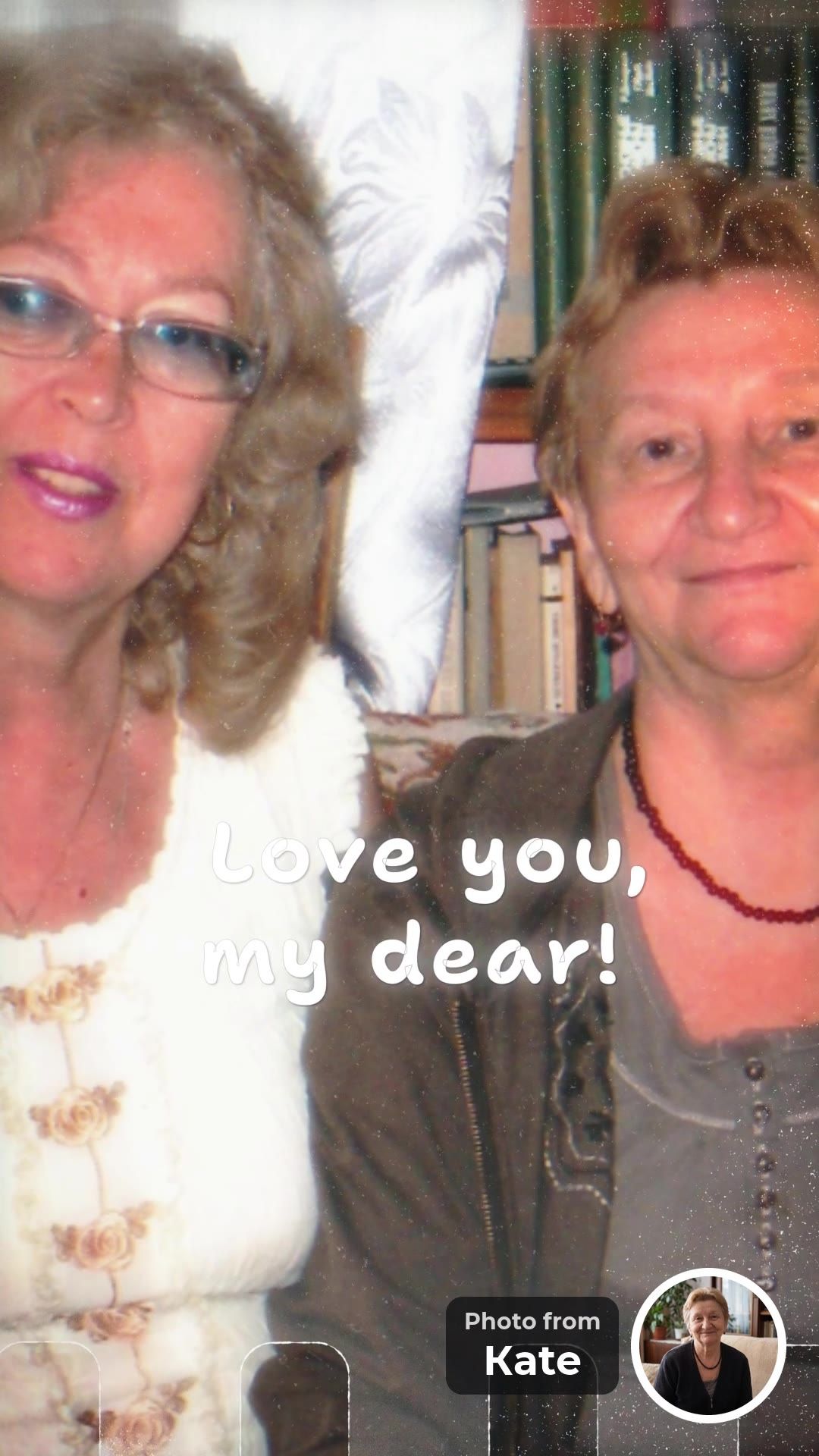
Love you, my dear!
Kate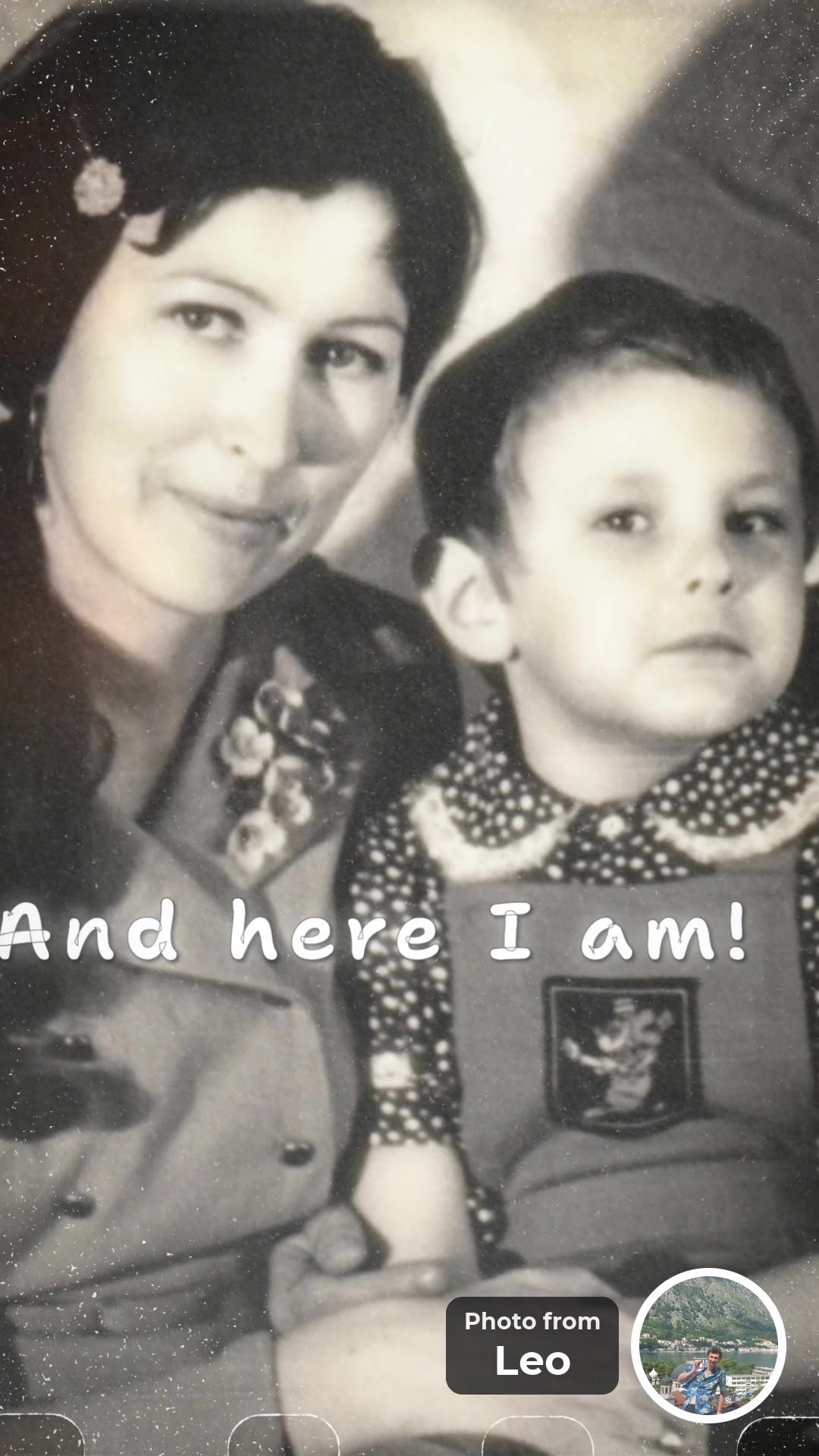
And here I am!
Leo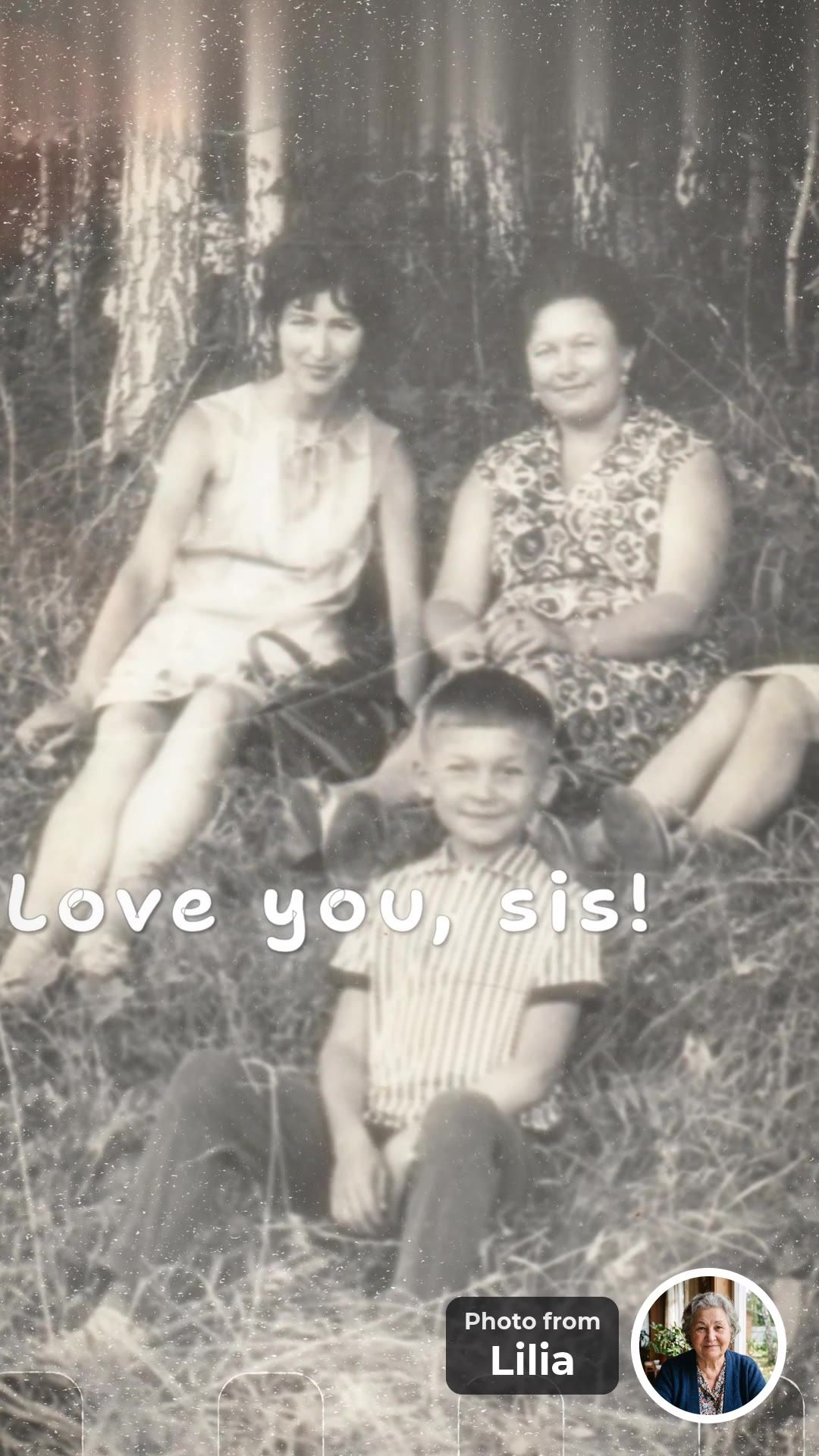
Love you, sis!
Lilia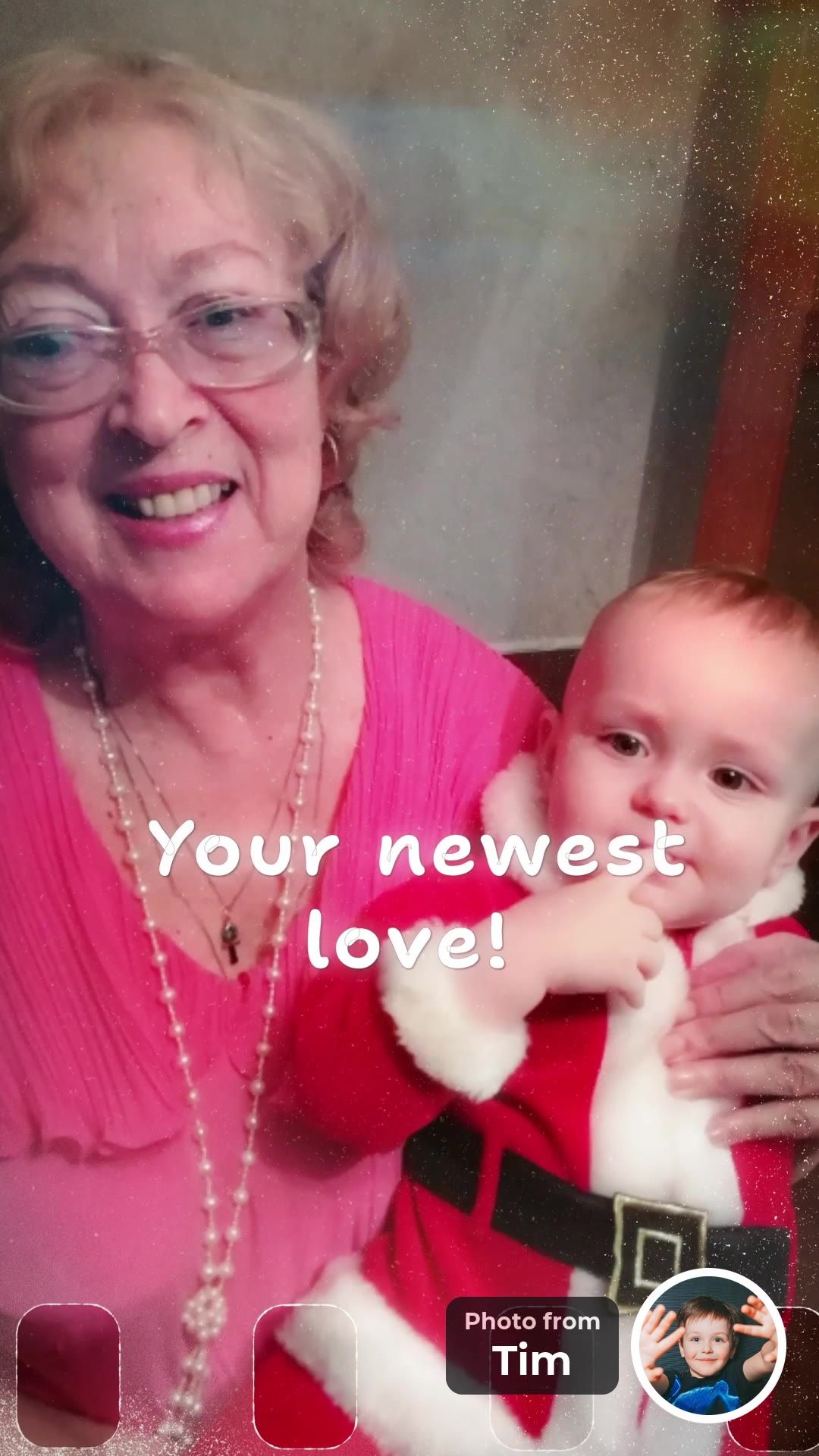
Your newest love!
Tim


All four frames are from our real example, made for a mother’s 65th birthday: 8 people in 3 countries, 19 photos in two days, and not a single recorded clip.
Why a video instead of another sweater?
He has enough sweaters. He doesn’t have this. Grandpas usually say they don’t need anything. A video from the whole family shows him what he means to each of you. Each frame holds the full photo, a few words and a small round portrait of the sender.
- 1A photo with Grandpa. Old or new, from any phone.
- 2A round portrait. It shows who sent the photo. It is optional.
- 3A few words. Up to 40 characters, e.g. “Best grandpa ever!”
Lines that fit the 40-character limit:
“Best grandpa ever!”
“Thanks for the fishing trips!”
“Love you, Pops!”
“Still the strongest!”
“Teach me again?”
“Happy birthday, Grandpa!”
More ideas are in What to write in a group video message.
Who can add a photo?
His kids, grandkids, great-grandkids, old friends and neighbors. Parents can add photos for the little ones. After adding a photo, each guest is asked who else should be in the video. Nobody needs an account or an app to take part.
- grandkids
- his kids
- great-grandkids
- old friends
- neighbors
- in-laws
- fishing buddies
- army buddies
- former coworkers
- church friends
- nieces
- nephews
- cousins
- the whole family
- golf friends
- godchildren
- card club
- family friends
Will Grandpa be able to watch it?
Yes. Play it on his TV; he doesn’t need an app or an account. Download the 16:9 video and play it on the TV, from a USB stick or a connected phone. He can watch it again any evening.
Is there a version for phones?
Yes. You get two videos from the same photos: 16:9 for the TV and 9:16 for phones. Both are made at the same time and included in one price. Play the 16:9 version on Grandpa’s TV and send the 9:16 version to the family chat.
- 16:9 for the TV. Play it at the party or on a video call.
- 9:16 for phones. It fills the screen. Send it to everyone who took part.
- One price for both. The same photos, words and music in each.
Two promises
- No selfie videosGuests add a photo and a few words. Nobody has to film themselves.
- No upfront paymentStart free and watch the preview first. You pay once, after you see the video.
Start the video. Add a few photos, send one link and watch the video before you pay.
Create a video giftFree to start. No upfront payment.
The practical part
What you get, the three steps, who pays and when to start.
What are the key facts?
You get two videos from the same photos: 16:9 for the TV and 9:16 for phones. Everyone adds 10 to 30 photos in total. Building takes up to 10 hours, the preview costs nothing, and the single payment is $39 for up to 15 photos or $49 for up to 30.
- The familyWho adds photoskids, grandkids and friends.
- 16:9 + 9:16Two videosfor the TV and for phones.
- up to 10 hBuild timeafter you press “Make the video”.
- $39 / $49Priceonce, after a free preview.
How do you make it? Three steps
Add a few photos, send one link, press “Make the video”. Once 10 photos are in, you can start the build, which takes up to 10 hours. In the free preview you can still replace a photo, edit a line or move frames around, all before paying.
- Step 1Add a few photosStart with a few of your favorite photos of Grandpa.
- Step 2Send one linkSend the ready message to the family chat, without Grandpa.
- Step 3Press “Make the video”It needs 10 photos in all. Watch the free preview, fix anything, pay once.
The app writes the invitation for you, with the name you enter:
Hi! 🎁 I’m making a surprise video for Grandpa from everyone’s photos, and I’d love you to be in it. Could you add photos with Grandpa (and a short line for each), ideally today? Just photos: no selfie video, no sign-up, about a minute. Know anyone else who should be in it? Pass the link on. Shh, it’s a secret!
Who pays, and how much?
One person pays once, after the free preview: $39 for up to 15 photos or $49 for up to 30. Guests take part for free and never enter a card. Anyone who has the gift link can pay, so friends can chip in among themselves. The TV version, the phone version and the music are all included.
How early should you start?
About a week before his birthday. Old photos take time to dig out, so send one reminder. Building takes up to 10 hours after you press “Make the video”. Nobody needs an account or an app to take part.
Frequently asked questions
What is a good birthday gift for a grandpa who has everything?
A video made of photos and short messages from his kids and grandkids. Each person adds a photo and a few words through one link, and the photos become one professionally made video for his TV.
Can little grandkids take part?
Yes. Parents add a photo for them and type a line in the child’s words, up to 40 characters.
Do people need to sign up or record a video?
No. Guests open the link, add photos and type a few words, with no sign-up and no app. Nobody records a video, and the small round portrait of each sender is optional.
Who pays?
One person pays once, after the free preview. Guests take part for free. Anyone who has the gift link can pay, so a group can chip in among themselves.
How much does it cost?
$39 for up to 15 photos or $49 for up to 30, paid once after the free preview. A 16:9 version for the TV and a 9:16 version for phones are both included.
How long does it take?
Give people a few days to add photos. After you press “Make the video”, it takes up to 10 hours to build. If it is not ready within 20 hours, you can cancel the order.
Add a few photos, send one link and watch the video before you pay. Nobody records a selfie video.
Create a video giftFree to start. No upfront payment.
Sources and how we checked
The FromAll.gift details (photo counts, the 40-character limit, the optional portrait, one payment, price, timing) come from our own service. The example video was made by a family for a mother’s birthday and is shown with their permission.

Who wrote this. Jane A. writes the guides on FromAll.gift. We make one of the services mentioned here, so details about other services show the page and the date we checked.
FromAll.gift is the new version of FromFoto, which has been turning photos into videos for 8 years and has made 112,000 of them. Those videos were made for one customer at a time; FromAll.gift adds new visuals and one shared link, so a whole group can contribute to one video. About FromAll.gift